You haven't signed in yet, you can have a better experience after signing in
*Please complete the payment within {{receiveCouponInfo.expire_at}}Previous use*
You haven't signed in yet, you can have a better experience after signing in



Activity Rules
1、Activity time:{{ info.groupon.start_at }} ~ {{ info.groupon.end_at }}。
1、Activity time:cease when sold out。
2、Validity period of the Group Buying:{{ info.groupon.expire_days * 24 }} hours。
3、Number of Group Buying:{{ info.groupon.need_count }}x。
Please Pay Attention
1、Teamwork process: Join/initiate a Group Buying and make a successful payment - Within the validity period, the number of team members meets the activity requirements - Group Buying succeeded!
2、If the number of participants cannot be met within the valid period, the group will fail, and the paid amount will be refunded in the original way.
3、The number of people required and the time of the event may vary among different products. Please pay attention to the rules of the event.
Server Compressor Software
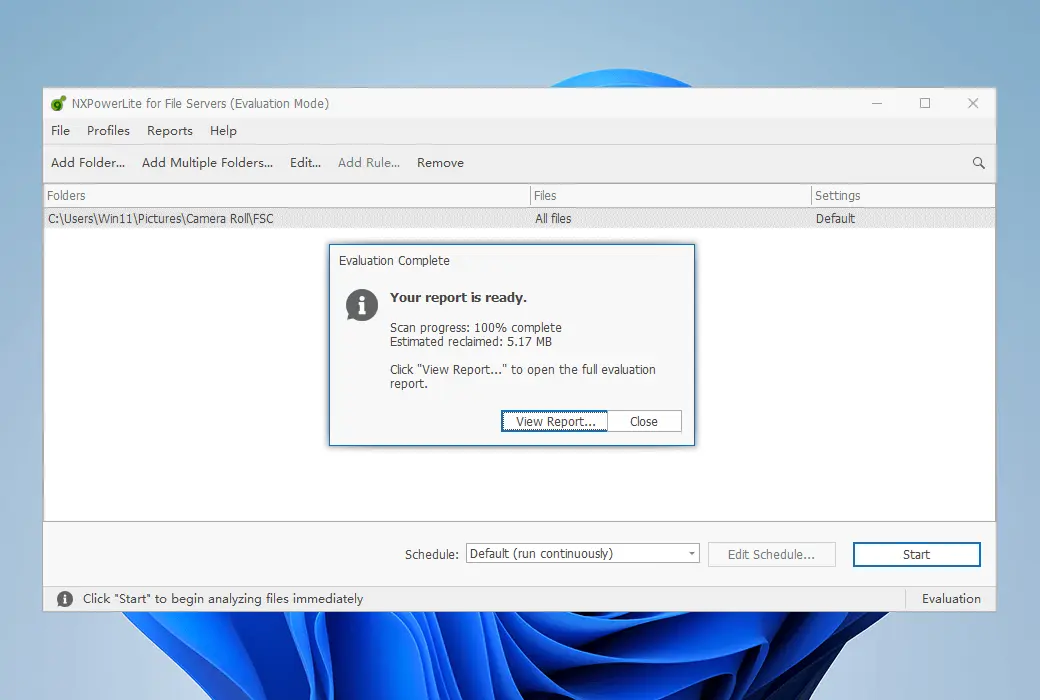
NXPowerLite allows you to easily batch compress PDF, Microsoft Office, JPEG, PNG, and TIFF files in server or document workflows.
Automatically compress your workflow.
Monitor critical folders and compress any incoming files in real-time. Ensure that large files are compressed before any issues arise.
Is the space running out too quickly? Turn the clock back
Compress all files on the server to reclaim storage and firmly put your storage plan back on track. Watching your backup time decrease as a reward.
Only archive the content you need
Do not store files larger than the required size - add NXPowerLite to your archive workflow and ensure that your old files are as small as possible.
Simple and powerful features
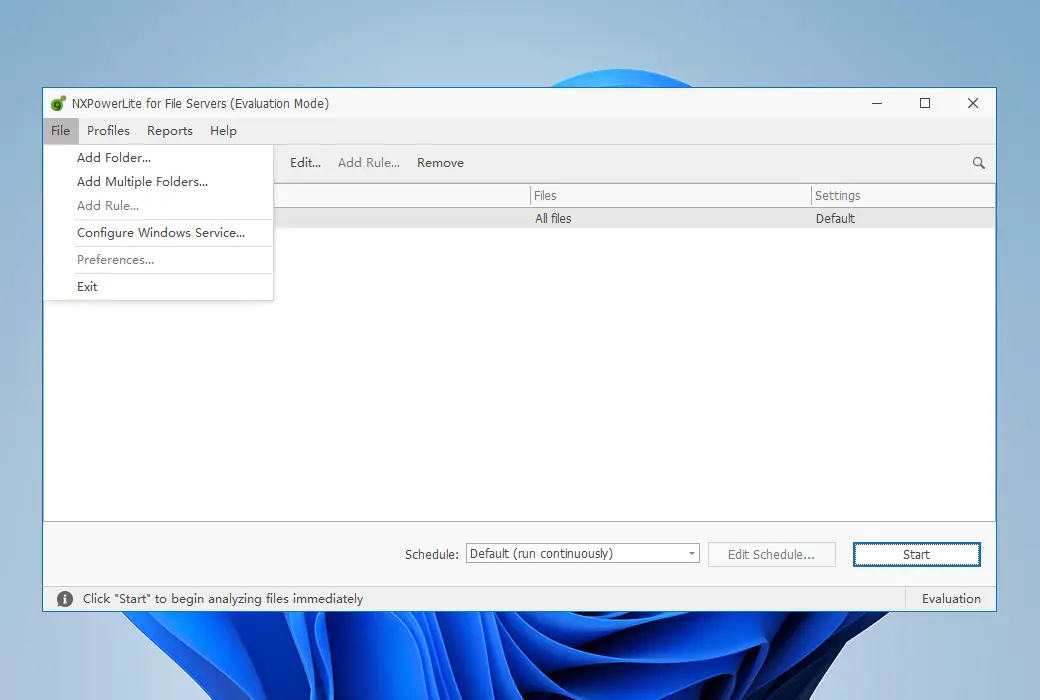
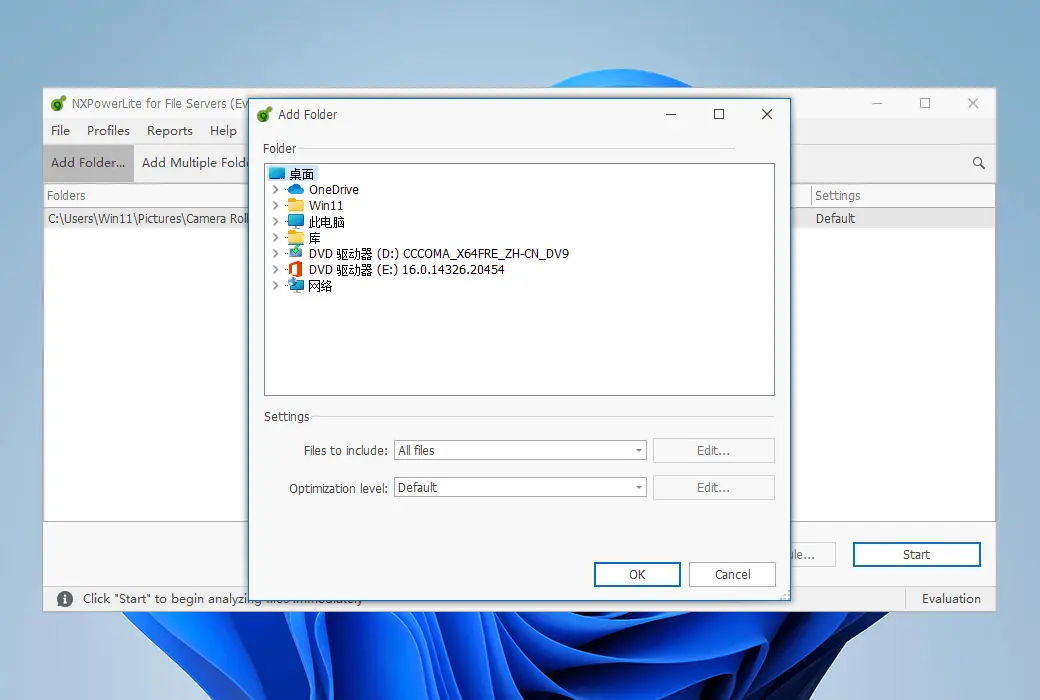
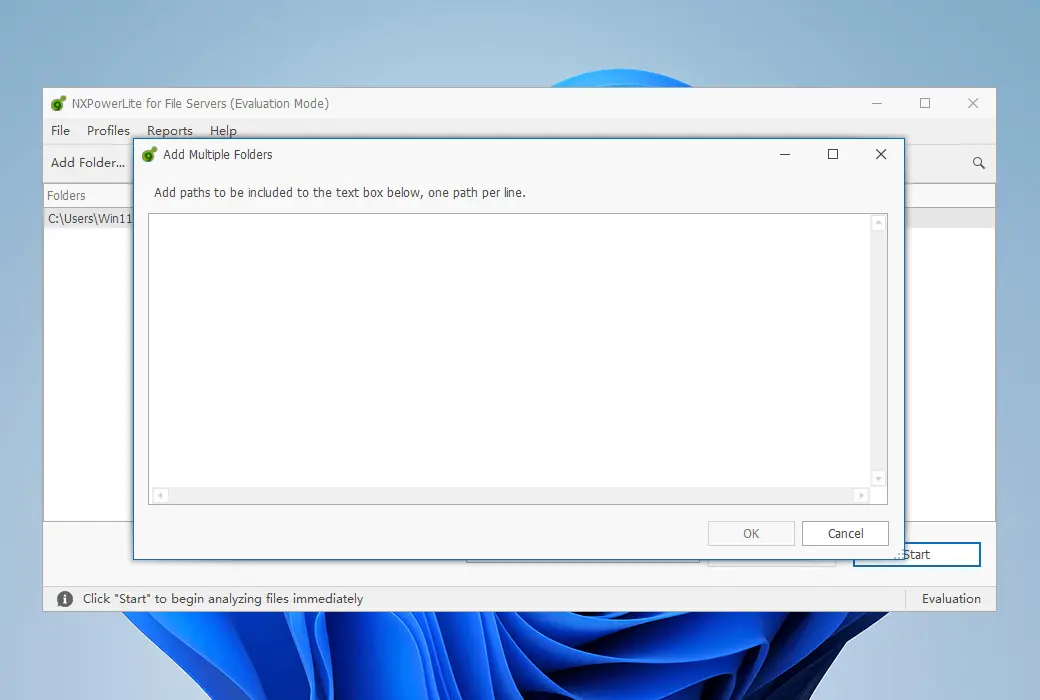
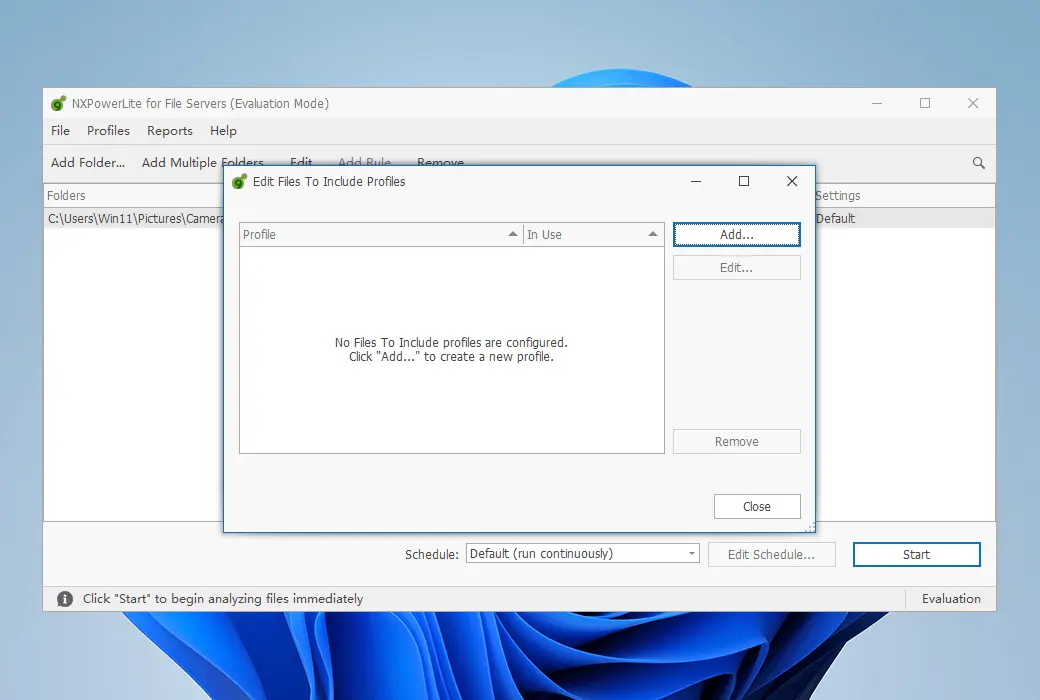
Compress files on any storage device in the same Windows domain as NXPowerLite. Easily add drives, network shares, and folders to ensure that the software can access all your files.
Easily add drives, network shares, and folders to ensure that the software can access all your files.
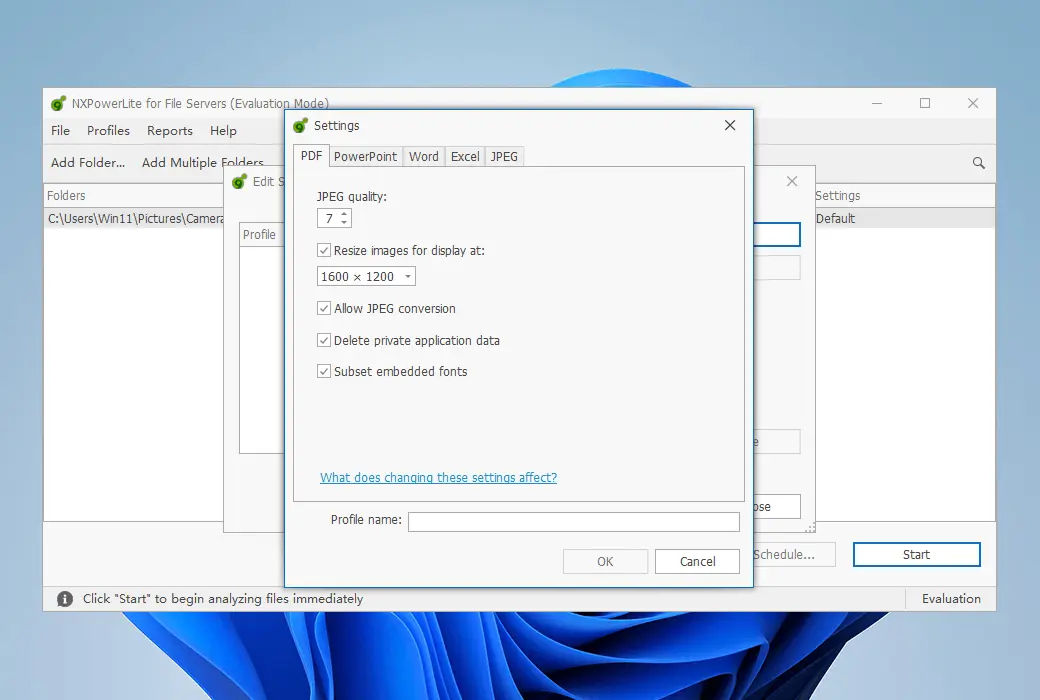
Use our unique compression engine to reduce files, which does not alter their format or properties. No other files will be created, nor will the original files be moved.
Compressed and uncompressed files will be automatically tracked and skipped in subsequent runs.
Set the software to run once in the file and stop. Or set it as a repeating loop and pick them up when new files arrive.
By default, two optimizer processes run in parallel, but you can increase this value for greater throughput.
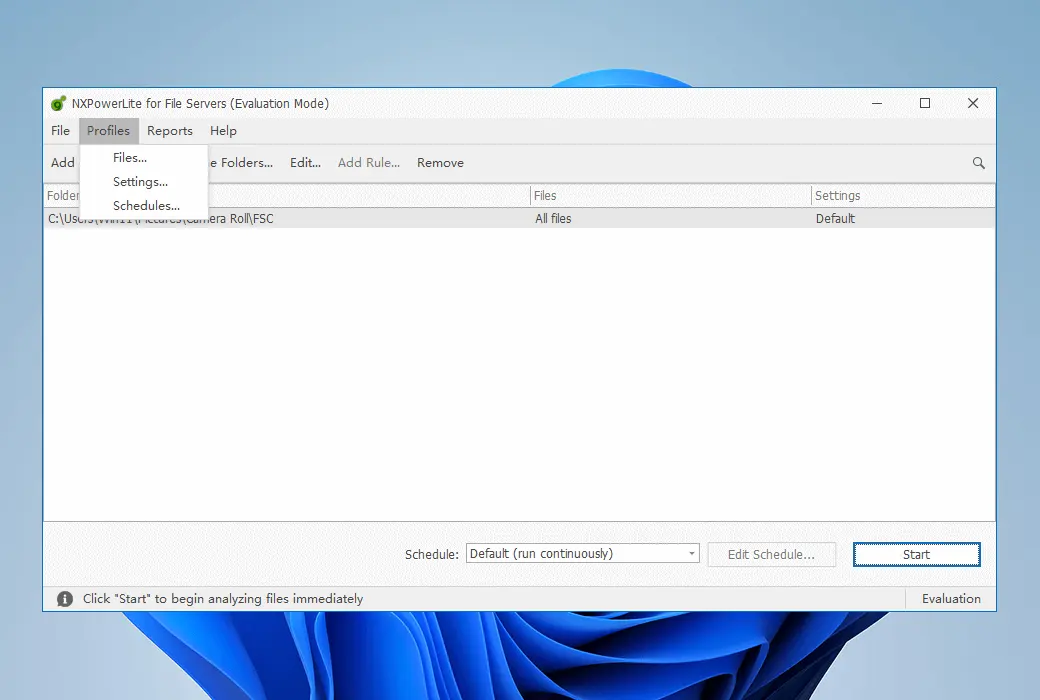
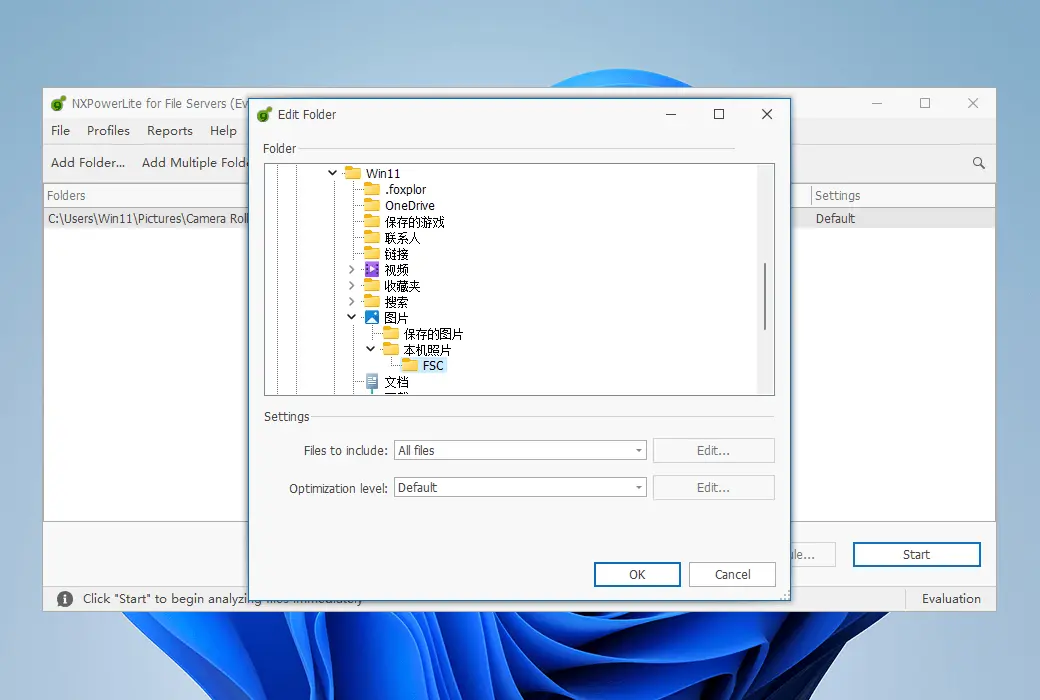
Easily select the folders and files to compress. Exclude based on specific attributes such as last modified date, location, and extension.
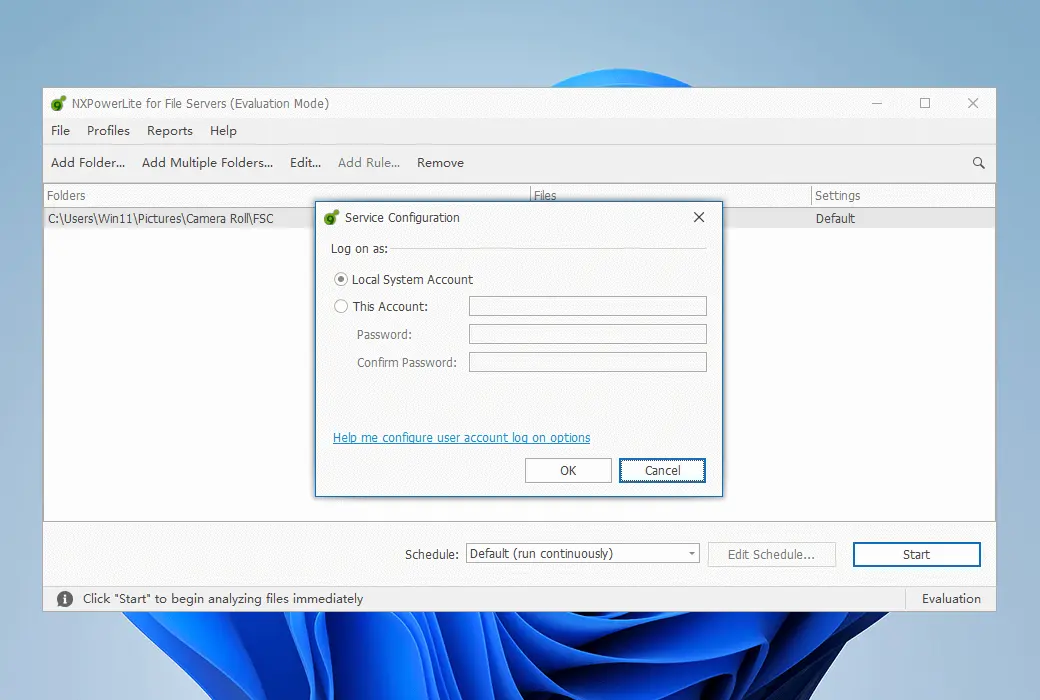
Use the built-in scheduler or use the Windows Task Scheduler to control services from other events.
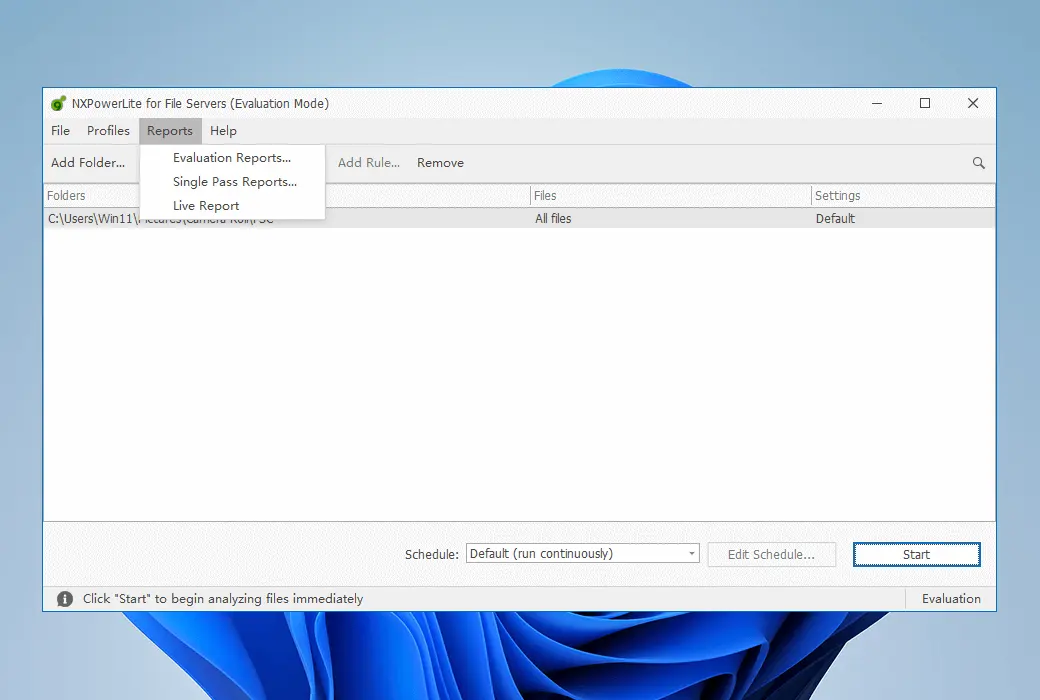
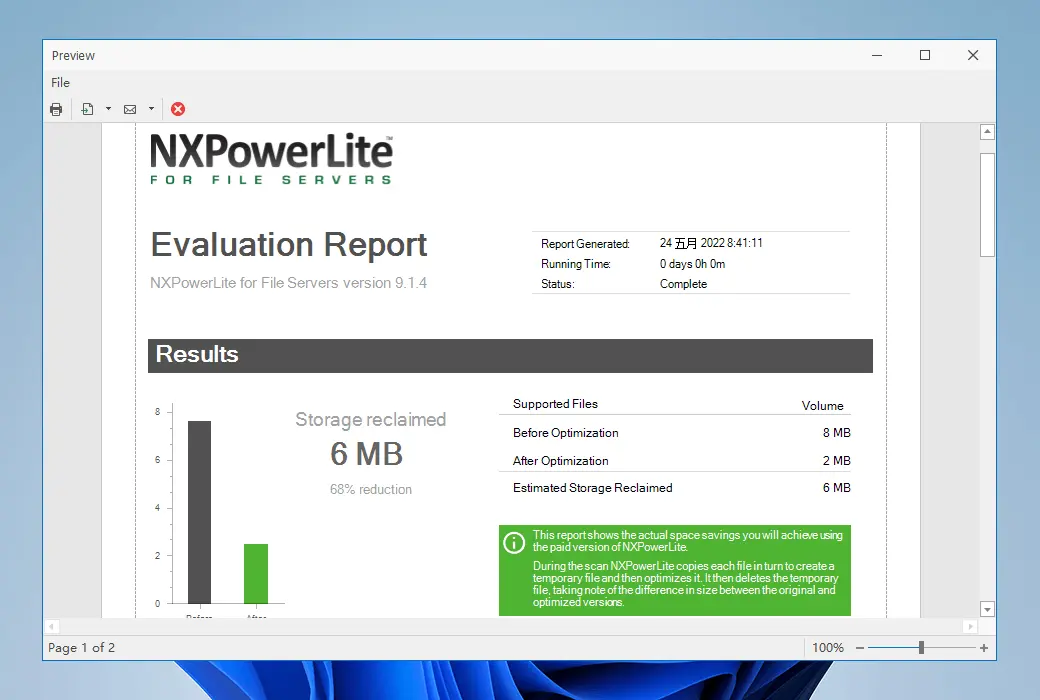
Get a detailed report on the savings achieved through compressing files.
system requirements
NXPowerLite needs to be installed on a Windows computer, but it can reduce data on any device located in the same Windows domain as the machine where it is installed. NXPowerLite can be installed on the following systems:
Supported file formats
Official Website:https://neuxpower.com/nxpowerlite-file-server
Download Center:https://nxpowerlite-server.apsgo.cn
Delivery Time: Manual processing
Operating Platform: Windows
Interface Language: Supports English interface display.
Update Instructions: This product includes 1-year update service and official support service.
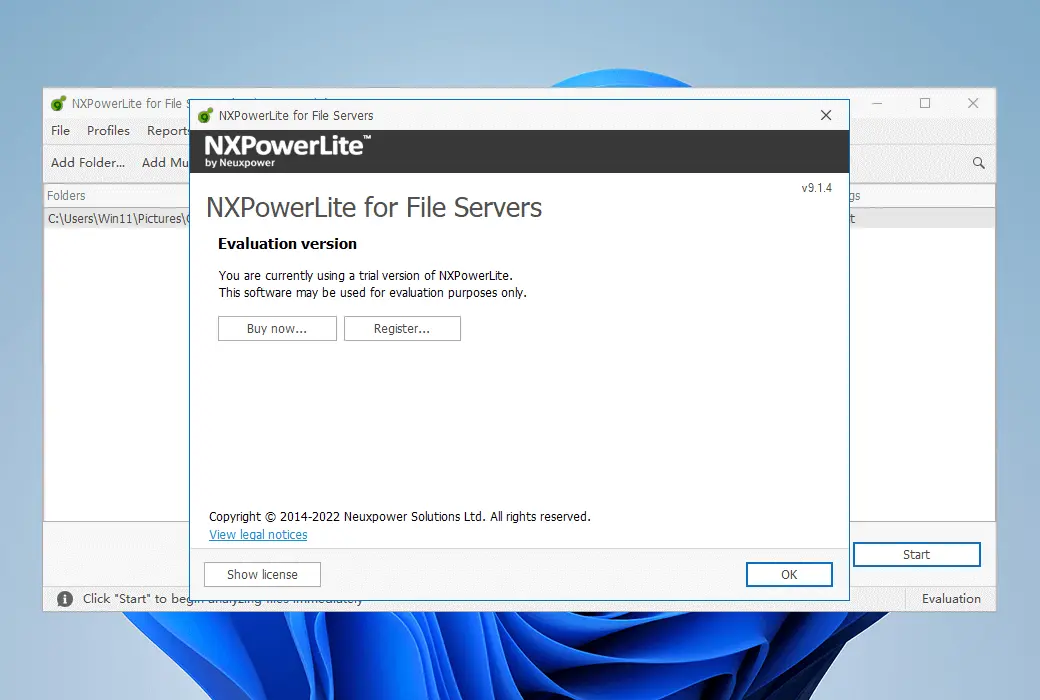
Trial Before Purchase: A limited free version is available for use before purchase.
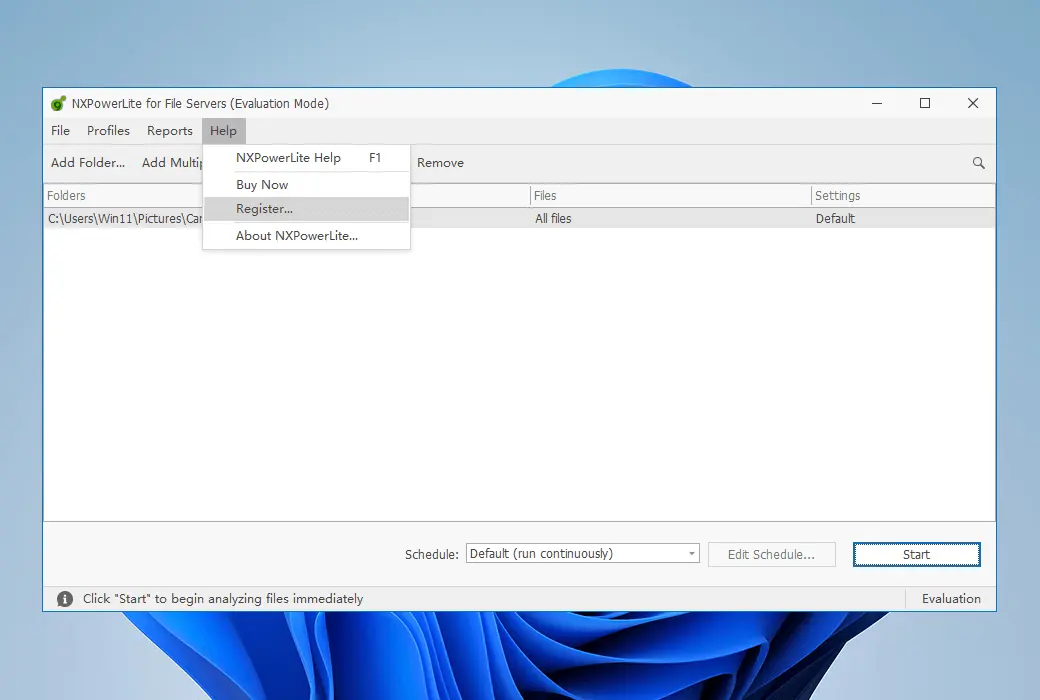
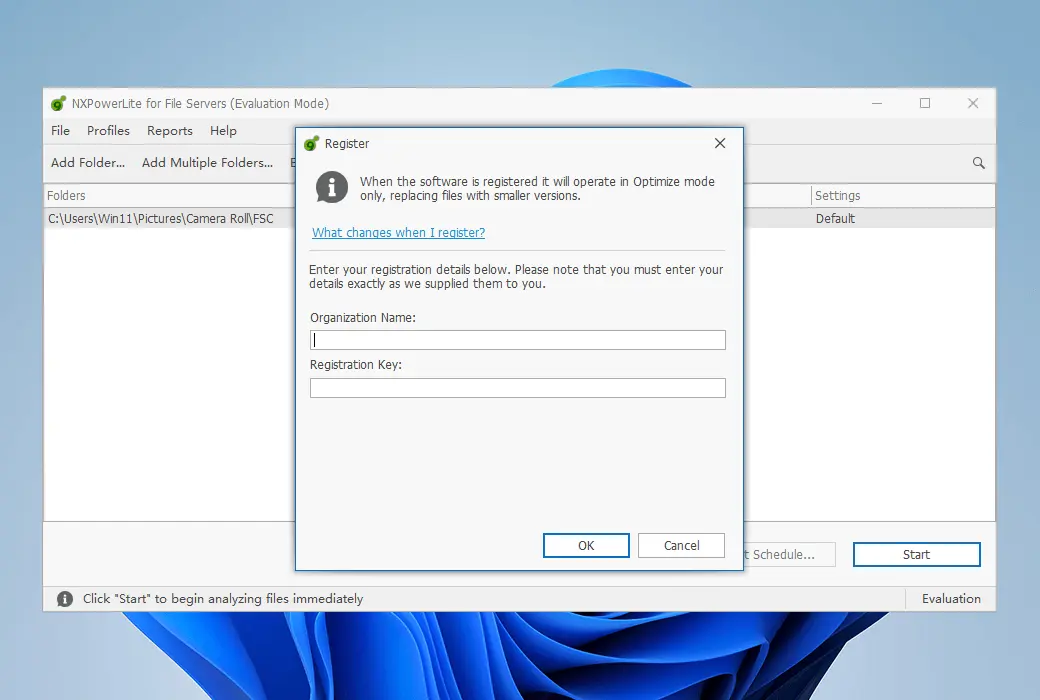
How to Receive the Product: After purchase, activation information will be sent to the email used for placing the order. Additionally, you can view the corresponding product activation code in your personal center, under "My Orders".
Number of Devices: 1 server
Replacing Computer: Uninstall on the original computer and activate on the new computer.
Activation Guide: To be added.
Special Instructions: To be added.
References:https://neuxpower.com/nxpowerlite-server

Any question

NXPowerLite needs to be installed on a Windows machine, but it can reduce data on any device within the same Windows domain as the installation machine.
NXPowerLite can be installed on the following systems:
All the above files must be .NET Framework version 4.5.2 or higher